Creating a productive home office space is essential in today’s world, where many people work remotely or need a dedicated place to focus on tasks. A well-designed workspace can improve your focus, comfort, and efficiency. Here are practical tips on how to create a home office that supports your best work.
Choose the Right Location
Where you set up your home office matters a lot. It’s important to find a quiet spot with minimal distractions. Ideally, this space should be separate from high-traffic areas in your home, such as the kitchen or living room.
– Look for a room or corner with enough natural light. Sunlight helps maintain alertness and a positive mood.
– Ensure the space has access to power outlets for your computer and other devices.
– If possible, choose a location with a door to help block noise and create a clear separation between work and home life.
Invest in Comfortable and Functional Furniture
Your furniture plays a big role in how productive and comfortable you feel throughout the day.
Desk Selection
– Pick a desk size that fits your workflow and available space. You don’t want it too cramped or too big.
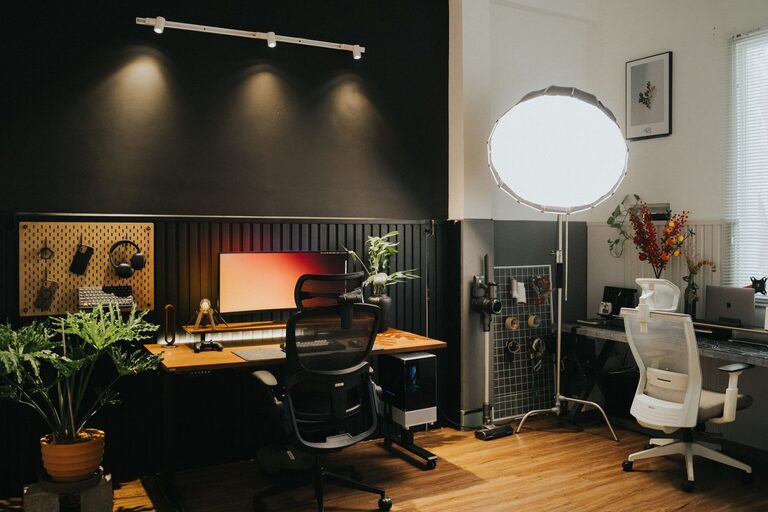
– Consider adjustable desks that allow you to sit or stand to promote better posture and circulation.
Chair Choice
– Choose an ergonomic chair that supports your back and encourages good posture.
– Adjustable height and lumbar support can help reduce fatigue and discomfort.
Organize Your workspace for Efficiency
Clutter can be distracting and reduce your ability to focus. Keeping your workspace organized helps maintain productivity.
– Use storage solutions like shelves, drawers, or filing cabinets to keep items off your desk.
– Keep essential items within easy reach but store less frequently used tools elsewhere.
– Consider a cable management system to keep cords neat and prevent tangles.
Optimize Lighting
Proper lighting reduces eye strain and improves concentration.
– Use a combination of natural daylight and task lighting.
– Position your desk near a window, but avoid glare on your screen by using blinds or curtains.
– Desk lamps with adjustable brightness levels can provide focused light where needed.
Minimize Distractions
Distractions can interrupt your workflow. Setting boundaries and reducing noise can help maintain focus.
– Inform family members or roommates of your work schedule to minimize interruptions.
– Use noise-canceling headphones or white noise machines if your environment is noisy.
– Turn off non-work-related notifications on your devices during work hours.
Personalize Your Space
Personal touches can make your home office pleasant and inviting, which can boost your motivation.
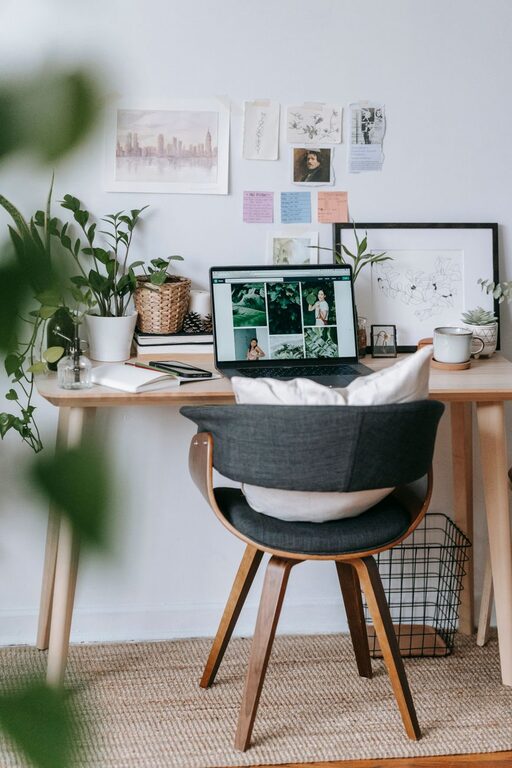
– Add plants to improve air quality and add a touch of nature.
– Decorate with artwork or photos that inspire you.
– Choose colors that promote calmness and focus, such as soft blues or greens.
Manage Technology Wisely
Having reliable technology setup improves productivity and reduces frustration.
– Invest in a fast and secure internet connection to support video calls and cloud work.
– Use a good quality monitor, keyboard, and mouse for comfort and efficiency.
– Keep software updated and backed up to avoid interruptions.
Establish Routines and Boundaries
Even the best workspace needs good habits to be effective.
– Set regular work hours and try to stick to them.
– Take scheduled breaks to rest your eyes and stretch.
– Create rituals, like starting the day with a to-do list, to help you transition into work mode.
Keep Your Workspace Clean
A clean environment supports mental clarity.
– Spend a few minutes at the end of each day tidying your desk.
– Wipe down surfaces regularly to keep germs at bay.
– Avoid eating at your workspace to reduce crumbs and mess.
Final Thoughts
Designing a productive home office means balancing comfort, organization, and personal preference. Taking time to set up your space thoughtfully will pay off with better focus and work satisfaction. By paying attention to location, furniture, lighting, and routines, you can create an environment that helps you do your best work from home.